Safety
How to avoid scams when selling on Facebook Marketplace
Updated · 5 min read
The short answer
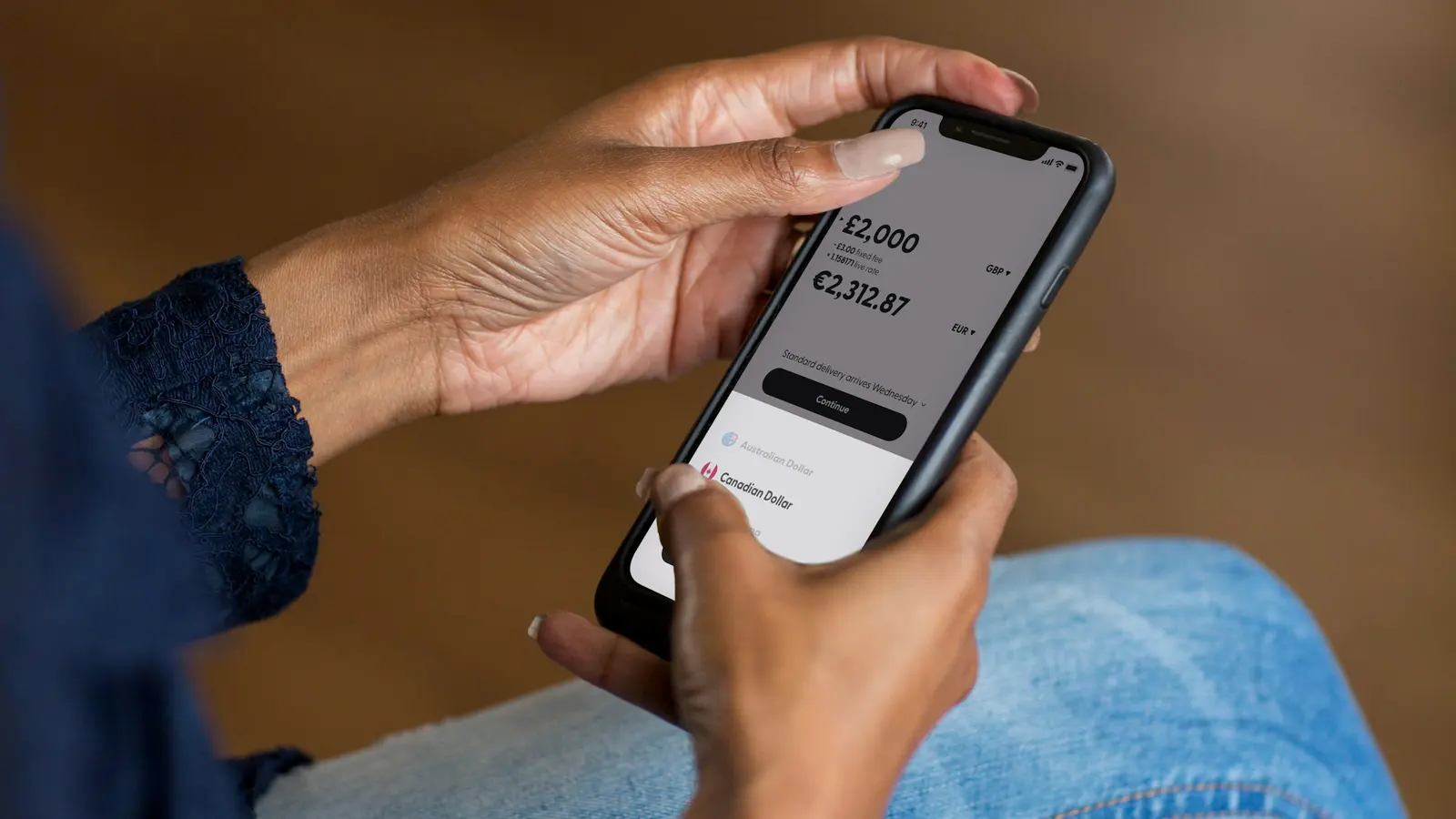
Most scams against Marketplace sellers try to get money or account details from you before you are paid. Watch for fake payment emails, buyers who overpay and ask for a refund, couriers you must pay, links to "claim" a payment and requests for a code sent to your phone. Only hand over an item once the money shows in your own banking app, or you are holding the cash.
- Check payments in your own banking app, never in an email, text or screenshot.
- You should never pay anything, or click a link, to receive money.
- Never share a code sent to your phone, whatever reason the buyer gives.
- Keep the conversation in Marketplace chat, and report anyone who tries these tricks.
What are the most common scams against Marketplace sellers?
Most scams against Marketplace sellers follow one of these six patterns:
| Scam | What happens | The giveaway |
|---|---|---|
| Fake payment email | The buyer says they have paid. An email that looks like it is from a bank or payment service says the money is held until you pay a fee or upgrade your account. | Real payments never need a fee from you to arrive. |
| Overpayment | The buyer "accidentally" sends too much, often with a fake receipt, and asks you to refund the difference. | The extra money never actually arrived in your account. |
| Courier or shipping fee | The buyer cannot come, so they arrange a courier and ask you to pay a fee or click a link to set it up. | The seller never needs to pay for the buyer's delivery. |
| Verification code | The buyer asks for a code sent to your phone, to "prove you are real". | The code lets them into one of your accounts. |
| Payment link | The buyer sends a link to "accept" or "claim" your payment, which asks for bank or card details. | Receiving a bank transfer never needs your card details or a login. |
| Moving off Facebook | The buyer wants to continue by email, text or another chat app straight away. | Moving off Facebook removes Marketplace's records and reporting tools. |
How do I know a payment is real?
Open your own banking app, the one you always use, and look for the money in your account balance. That is the only proof that counts. Emails, text messages, screenshots and receipts can all be faked, even when they show your name and the right amount.
For cash sales, count the notes in front of the buyer before they take the item. If you are unsure about a large note, it is fine to ask for smaller notes, or to take payment by bank transfer instead.
What are the warning signs of a scammer?
Be cautious when a buyer shows any of these warning signs:
- They agree to the price without asking anything about the item.
- They cannot collect in person, so they want to send a courier, a relative or a removalist.
- They push you to hurry, or to make an exception to how you said payment works.
- They ask for your email address, phone number or bank details early in the conversation.
- They send a link, a QR code or a file you did not ask for.
- Their profile is very new, empty or has a name that does not match their messages.
One sign on its own is not proof, as some genuine buyers are simply brief. Two or three signs together are a good reason to walk away.
How can I protect myself when selling?
- Keep it in Marketplace chat. Agree on the price, pickup time and payment method in the chat, so there is a record.
- Choose your payment method. Say in the listing or chat how you accept payment, such as cash on pickup or bank transfer, and stick to it.
- Check the money yourself. Confirm the payment in your own banking app, or count the cash, before the item leaves.
- Protect your accounts. Turn on two-factor authentication for Facebook, and never share a code sent to your phone.
- Stay safe at pickup. Meet in daylight, have someone with you for larger items, and keep buyers out of your home where you can.
What should I do if a buyer tries to scam me?
Stop replying, do not click any links, and report the buyer through the Marketplace chat. Facebook's Help Centre explains how to report a buyer and block them.
If you have already shared bank details, paid money or entered a password, contact your bank straight away and change the password on the account involved. You can also report the scam to your country's scam reporting service, such as Scamwatch in Australia.
Questions people also ask
Is it safe to give a buyer my bank details for a transfer?
Sharing the details needed to receive a bank transfer, such as an account number or a payment ID, is generally low risk. Never share passwords, card details, PINs or codes sent to your phone, which nobody needs to pay you.
Why does a buyer want a code sent to my phone?
A buyer asking for a code sent to your phone is almost always trying to take over one of your accounts, such as a messaging or email account. No genuine buyer needs that code. Do not share it, and stop replying.
Can a buyer get their money back after picking up an item?
Cash is final once you are holding it. A bank transfer is usually final once it has arrived, though a bank can occasionally recover money sent from a hacked or stolen account. Waiting until the money is actually in your account, rather than trusting a receipt, protects you most.
Read next
 Getting startedHow to sell on Facebook Marketplace: a beginner's guideLearn everything you need for your first Facebook Marketplace sale: make a listing, set a price, answer buyers, get paid safely and hand over the item.6 min read
 MovingSelling your stuff before a move: a simple planPlan what to sell before moving house, when to list furniture and smaller items, and how to clear a whole home without letting the move take over.4 min read
 How it worksHow SnapVent works: from a few photos to a posted listingSnapVent writes a Facebook Marketplace listing from photos of the item, then fills in the listing form for you. Here is each step and what it costs.4 min read
SnapVent is an independent product and is not affiliated with, endorsed by or sponsored by Meta. Facebook and Marketplace are trademarks of Meta Platforms, Inc.