Rentals
How to list a property for rent on Facebook Marketplace
Updated · 5 min read
The short answer
To list a rental on Facebook Marketplace, choose "Property for rent" when you create a listing. Fill in the type of property, bedrooms, bathrooms, rent per month, date available, laundry, parking, heating, air conditioning and whether pets are allowed, add bright photos of every room, and describe the home rather than the tenant you want. Show it in person before anyone pays anything.
- Choose Property for rent: Facebook has a form made for homes and rooms.
- Photograph every room, plus the kitchen, bathroom, laundry and outside.
- Describe the home, not the tenant: Facebook doesn't allow discriminatory housing listings.
- Nobody should pay a deposit before seeing the place in person.
What does Facebook's property-for-rent form ask for?
When you create a listing, choose Property for rent (called Home for Sale or Rent in some countries, including the US, where you then choose to rent). Facebook asks for the rent per month, photos and a description, and these details. The wording can differ a little between countries.
| Field | What to put |
|---|---|
| Type of property | Flat or apartment, house, townhouse, or a room only |
| Bedrooms and bathrooms | How many of each |
| Size | The floor area, if you know it |
| Date available | The first day a tenant can move in |
| Laundry | A washing machine and dryer in the home, a laundry in the building, or none |
| Parking | A garage, off-street, on the street, or none |
| Air conditioning and heating | What kind there is, if any |
| Cats and dogs | Whether each is allowed |
Facebook asks for the rent per month. If rents in your area are usually quoted by the week, work out the monthly figure and give the weekly one in the description too.
Which photos should I take of a rental?
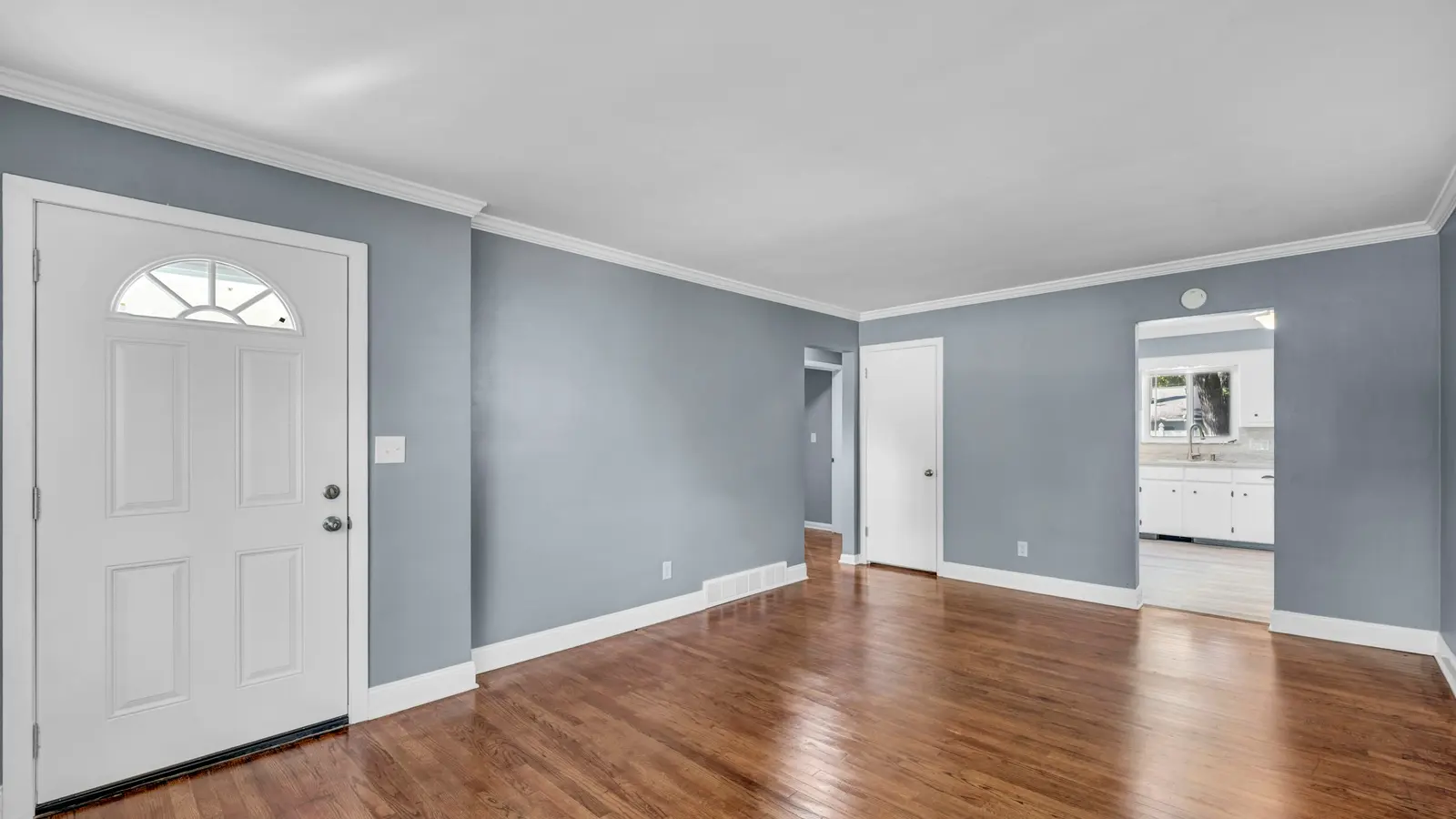
- Shoot in daylight with the lights on and the blinds open, from a corner of each room so it shows the whole space.
- Take the living area, the kitchen, every bedroom, the bathroom and the laundry.
- Add the outside of the building, the parking and any garden, balcony or view.
- A floor plan, if you have one, answers many questions at once.
- Clear away personal things, and leave people and number plates out of the photos.
What should a rental listing description say?
Put the facts people filter on first, then what it's like to live there, then how to see it. Fill in the square brackets:
[Number]-bedroom [house, flat or room] in [area], available [date].
[Rent] a month ([rent] a week). Deposit: [amount]. Lease: [length].
[Furnished or unfurnished]. Bills [included or not included].
[Laundry], [parking], [heating and cooling].
[Pets allowed or not]. [Smoking allowed or not].
[Distance] to [shops, transport, schools].
Viewings: [days and times]. Message me to book one.
What can't I say in a rental listing?
Facebook's commerce policy on discrimination covers housing listings: a listing may not exclude people because of who they are. Its own examples of what isn't allowed include "Only looking for Christian renters" and "No Hispanic tenants welcome".
Describe the home and the terms, such as the rent, the lease, the number of people it suits and whether pets are allowed, not the kind of person you would like. Many countries and states also have their own fair-housing or anti-discrimination laws for landlords, so check what applies where your property is.
How do I avoid rental scams?
Facebook's advice on buying and selling responsibly is plain: don't send a deposit for a rental without having seen it in person. As the landlord, make that easy:
- Show the home in person, and never ask for money before a viewing.
- Take the deposit and first rent only once you have agreed and signed a lease, and hold the deposit the way your area's rules require.
- Check who you are renting to, such as their ID and references, before handing over keys.
- Watch for copies of your listing at a lower rent, posted by someone else; report them to Facebook.
Read more in our guide to avoiding Marketplace scams.
Can SnapVent write my rental listing?
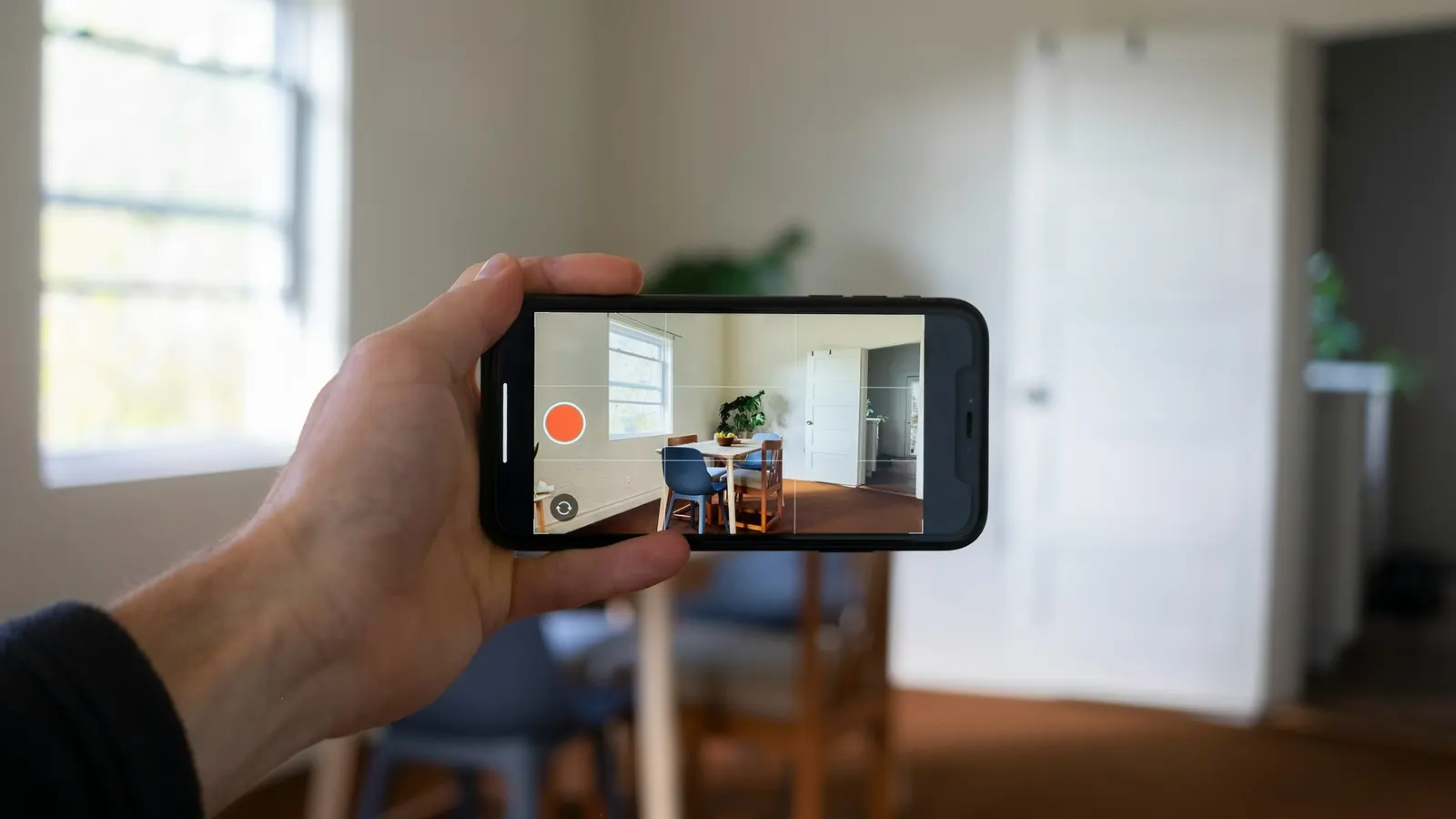
Yes. Snap up to 10 photos of the rooms and the outside, and SnapVent works out from them that it's a home for rent, then writes the title and description and fills in what the photos show, such as the type of property and the number of bedrooms and bathrooms. Put what photos can't show in the note: the rent, the date available, the size and whether pets are allowed. On a computer, its Chrome extension fills in Facebook's property-for-rent form, and you press Publish. See how SnapVent works.
Questions people also ask
Can I list a rental on Facebook Marketplace for free?
Listing a rental from a personal account on Facebook Marketplace is free, apart from optional paid boosts. Check the listing options in your area, as property rentals may not be offered everywhere.
Can I rent out a single room on Marketplace?
Yes. Choose Property for rent and set the type of property to a room only, then describe what's shared, such as the kitchen, bathroom and laundry.
Can I say who I'd like as a tenant?
Describe the home and the terms, not the person. Facebook's commerce policies don't allow discrimination in housing listings, and many places have their own laws on it too.
Should I take a deposit before a viewing?
No. Facebook advises renters never to send a deposit for a place they haven't seen in person, so genuine renters will want to see it first. Take a deposit only once a lease is agreed and signed.
Read next
 SafetyHow to avoid scams when selling on Facebook MarketplaceSpot the scams sellers meet on Facebook Marketplace, from fake payment emails to courier tricks, and learn what to do if a buyer tries one on you.5 min read
 PhotosHow to take photos that sell your stuffUse daylight, a plain background and your phone to take second-hand listing photos that look trustworthy, including the shots buyers ask for most.4 min read
 How it worksHow SnapVent works: from a few photos to a posted listingSnapVent writes a Facebook Marketplace listing from photos of the item, then fills in the listing form for you. Here is each step and what it costs.6 min read